Media Creation Tool
Media Creation Tool is a free Microsoft utility that downloads Windows and turns it into a bootable USB flash drive or an ISO file.
20.4 MB
Google Play is Google's digital distribution platform. On Windows, Google offers Play content through the browser and Google Play Games on PC.
Average 0.0 · ratings: 0
Thank you! Your rating is saved; you can change it. Could not save the rating. Please try again later. Too many ratings from your network today. Please try again tomorrow. The average appears after 5 ratings.
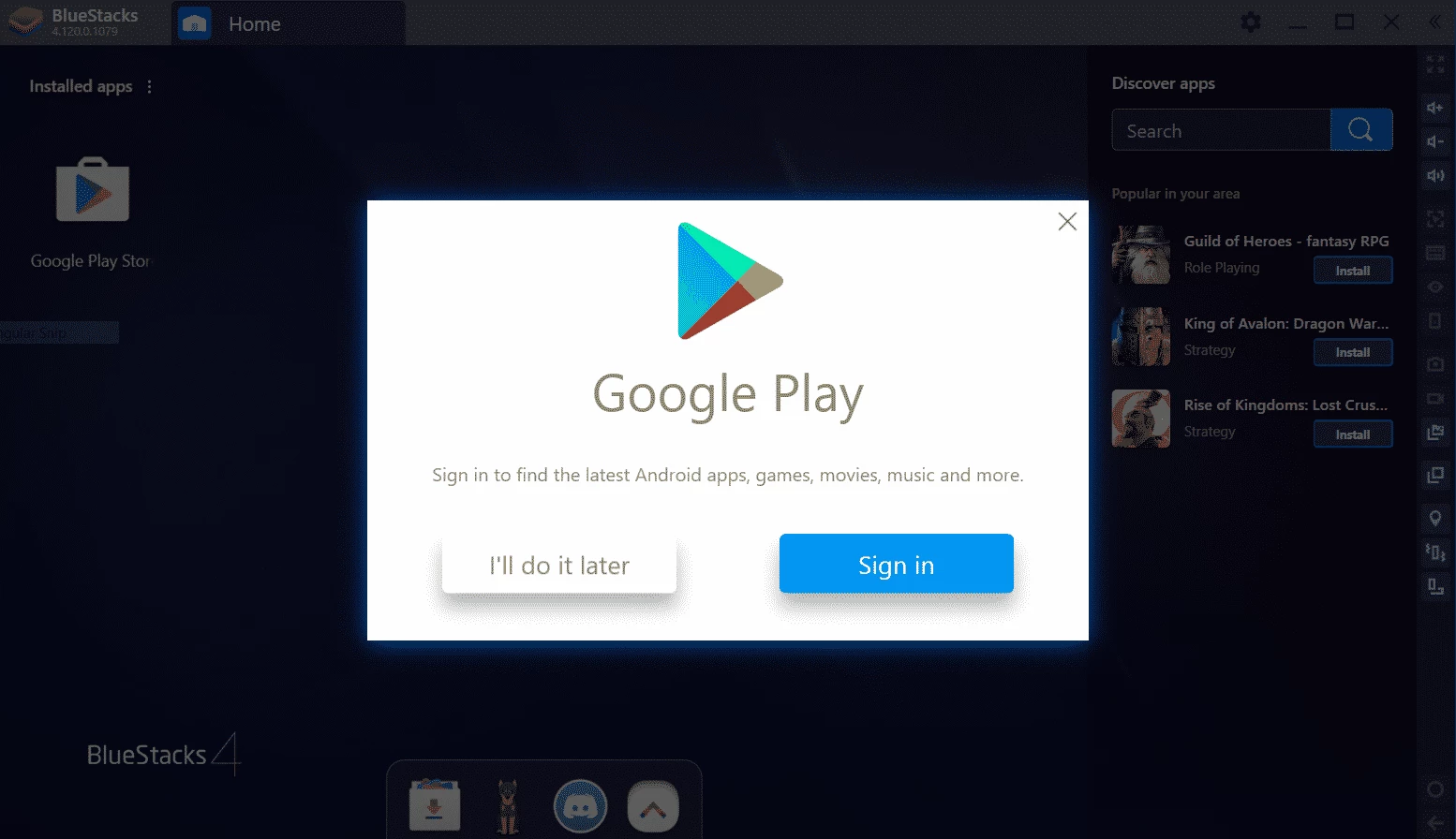
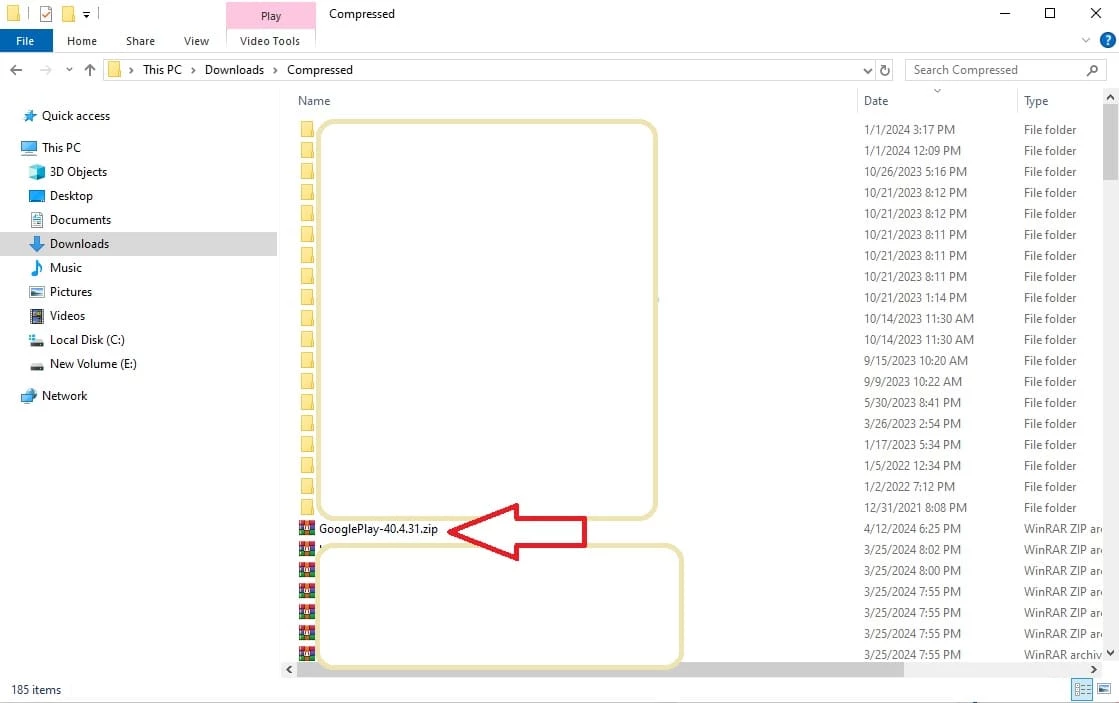
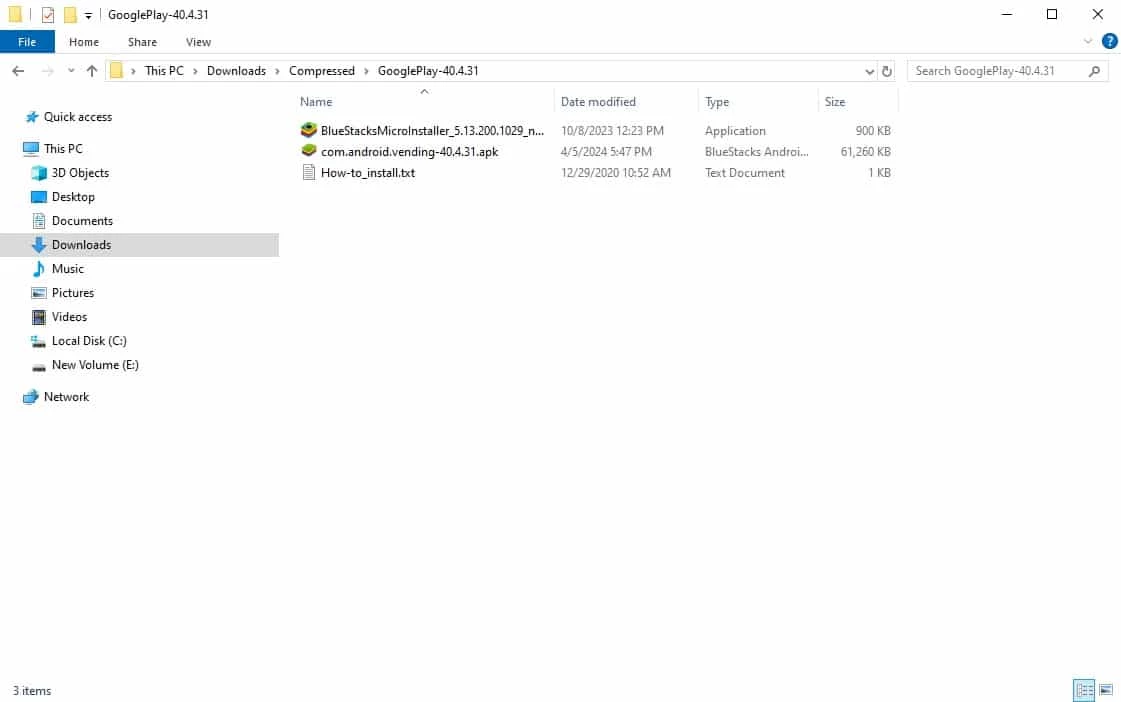
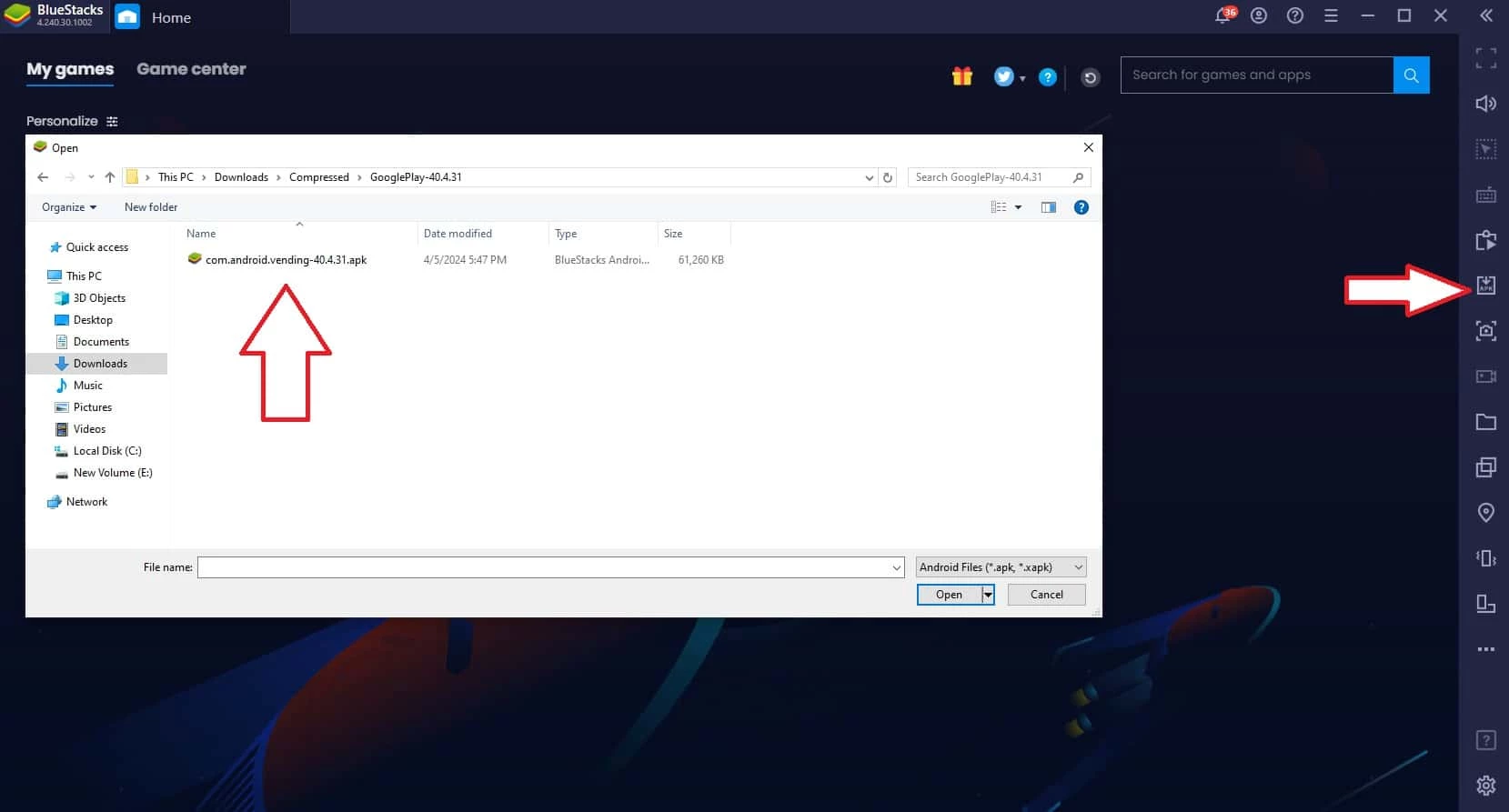
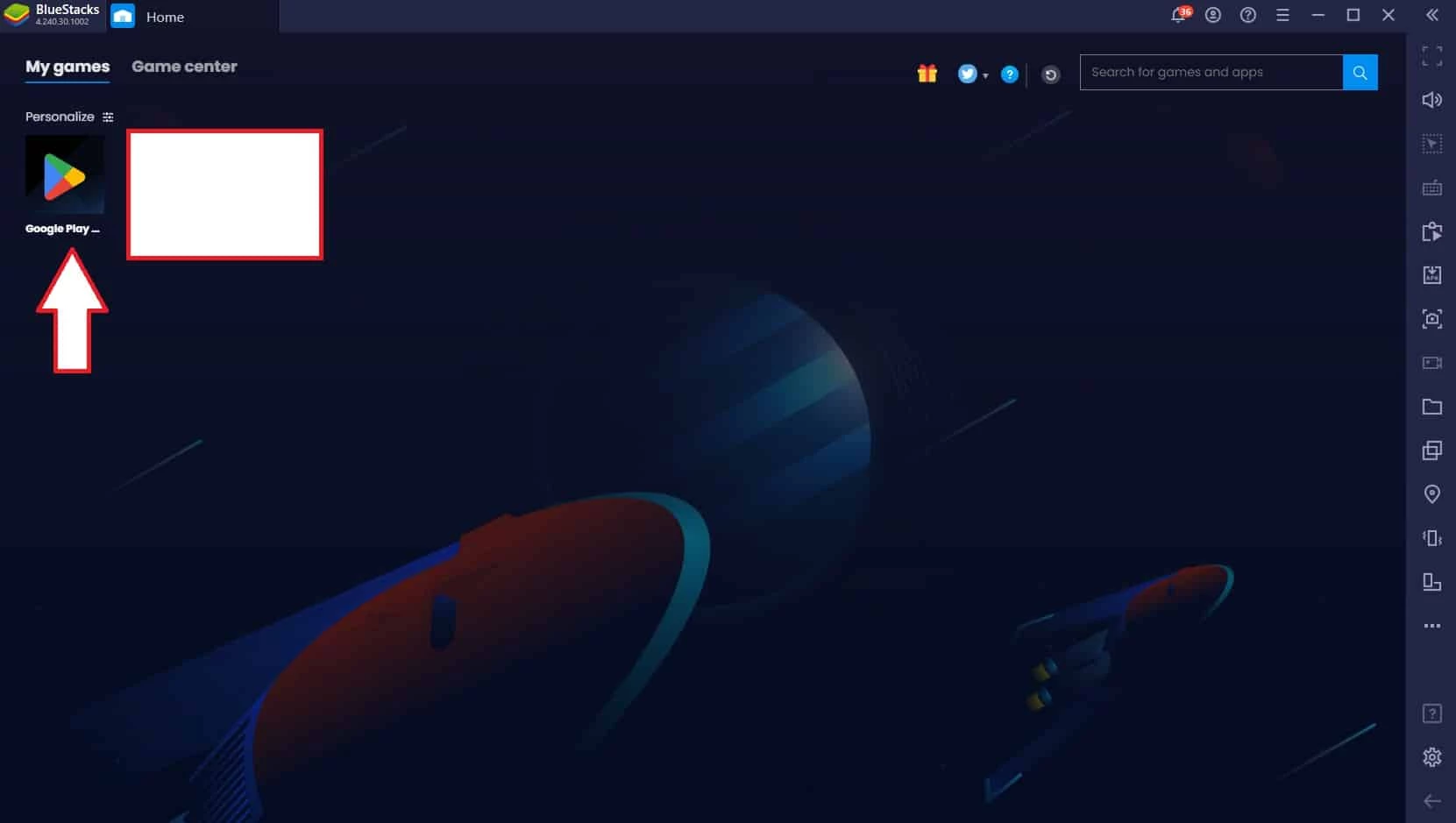
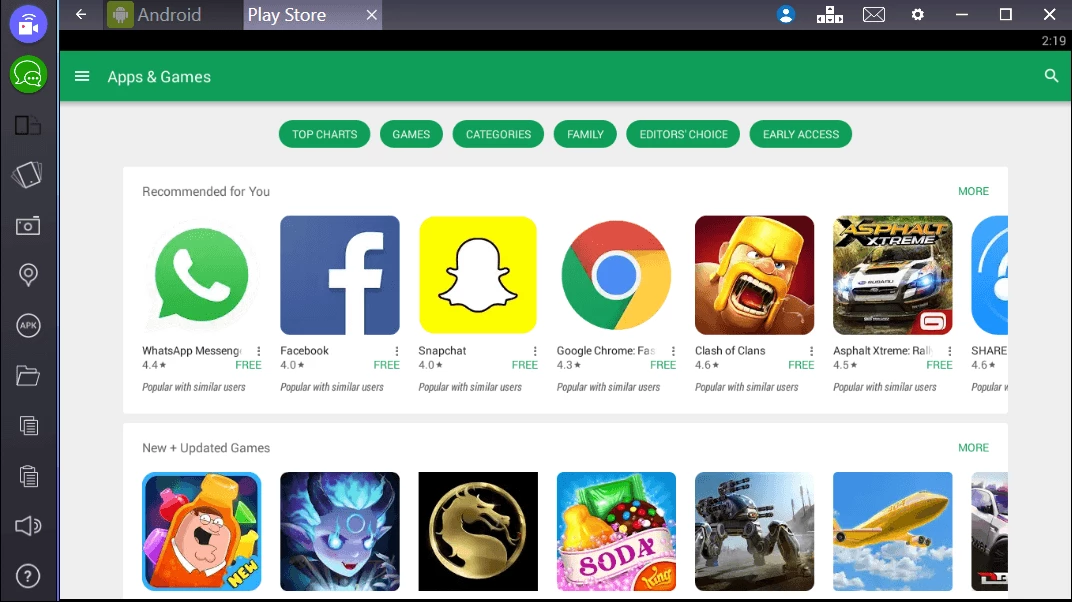
Google Play Store PC 53.0.27 is the Windows listing for Google's app marketplace, and the safest way to download anything from it is through Google's official pages. Play itself is built for Android, so on a Windows computer you use it through the website or through Google Play Games on PC.
Google Play is a digital distribution platform: a store for Android apps, games, books and films tied to your Google account. On a Windows PC there are two official ways to use it. One is the website, where you can browse, buy and send apps to your Android phone or tablet; the device then installs them remotely. The other is Google Play Games on PC, a Windows program for playing selected Android games with a keyboard and mouse on a larger screen, with progress synced to your phone. There is no official way to run every Android app from Play on Windows, so programs that promise the complete Play Store as a normal desktop application should be treated with care. Emulators that include Google services are a separate category of software.
Google's eligibility page lists Windows 10 (v2004), a solid state drive with 10 GB of free storage, 8 GB of RAM and a processor with 4 physical CPU cores. The same page describes graphics requirements and how to check them.
Changes are listed in the Google Play Games on PC release notes.
Never enter your Google password in a program that claims to be the Play Store for Windows unless it comes from Google. Unofficial "Play Store for PC" installers are a common way to spread adware. Check the address bar for play.google.com or google.com before signing in.
The store and Play Games on PC are free. Paid apps, games and in-app purchases are charged to your Google account.
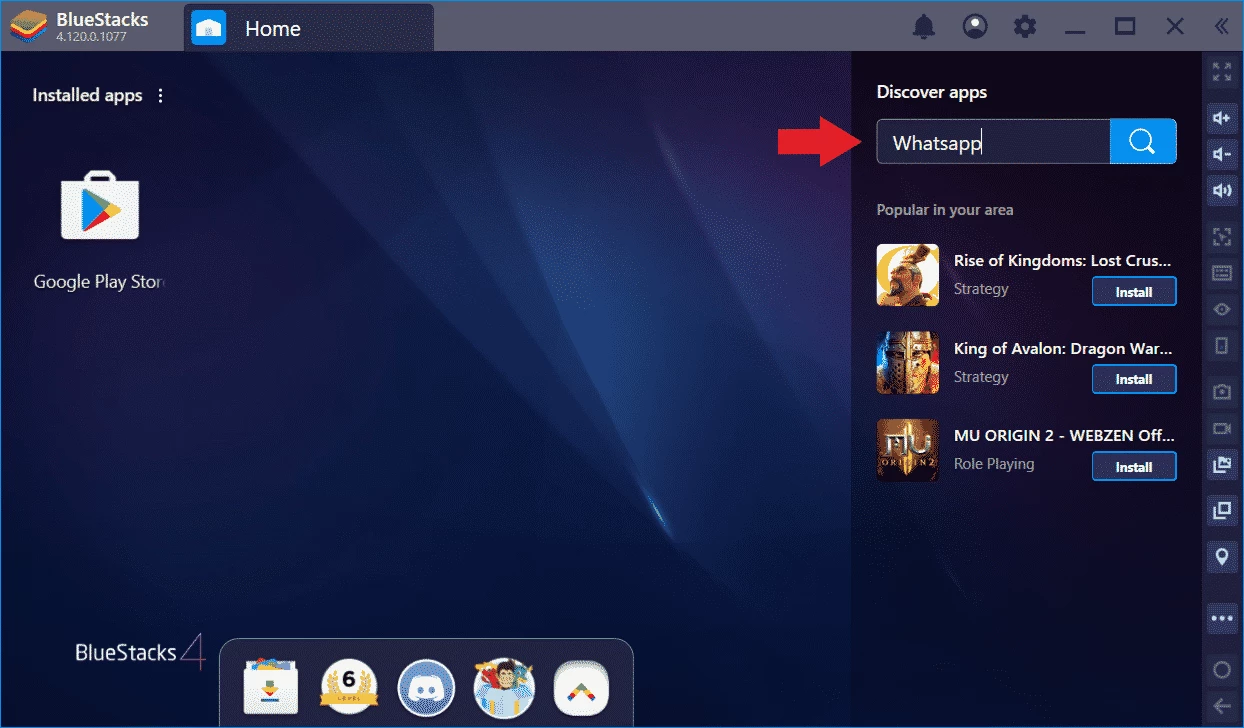
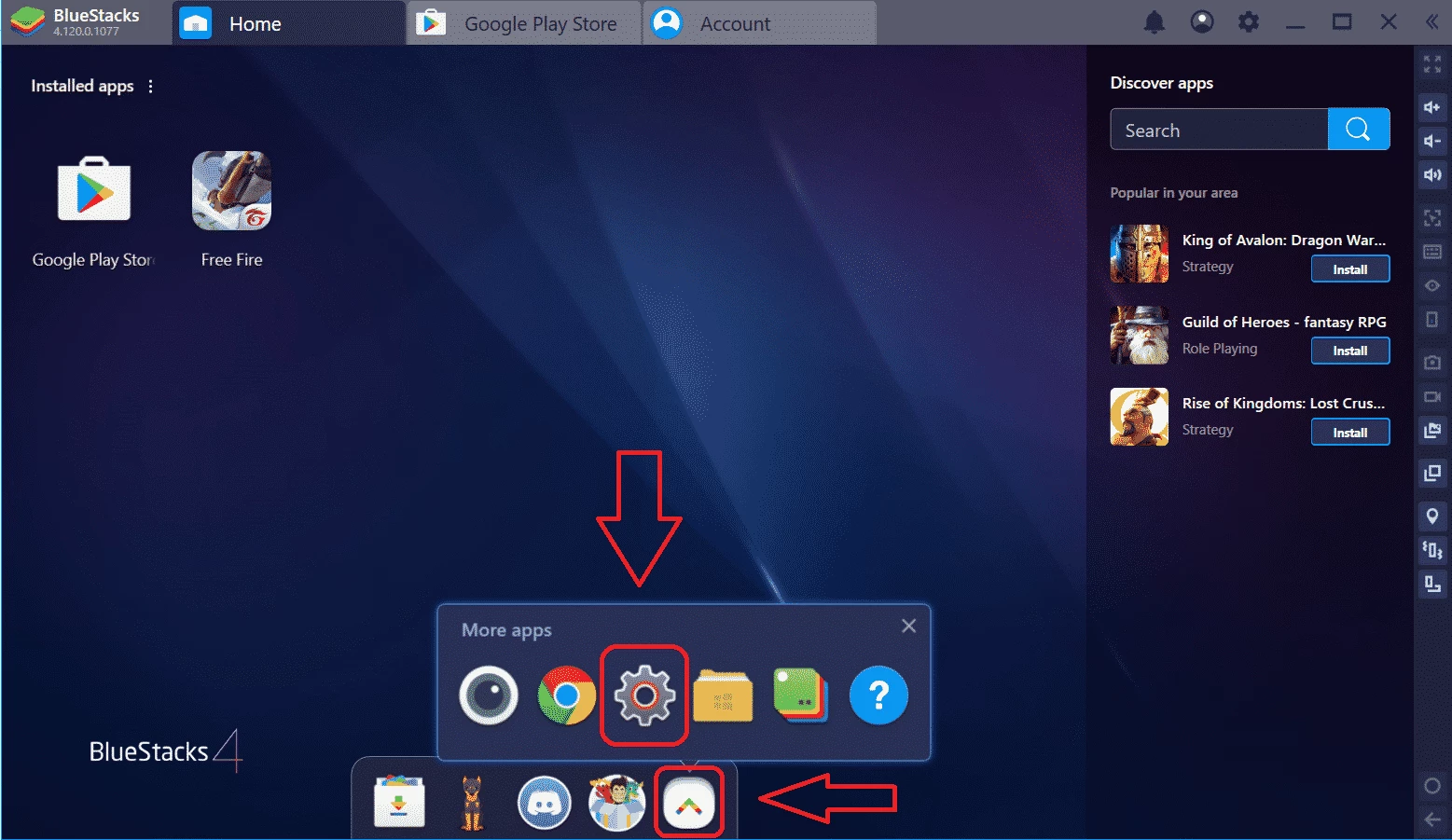
BlueStacks, LDPlayer, Nox App Player and MSI App Player are Android emulators for Windows in the same tools category.
Media Creation Tool is a free Microsoft utility that downloads Windows and turns it into a bootable USB flash drive or an ISO file.

LDPlayer is an Android emulator for Windows that runs mobile apps and games on a computer.

BlueStacks is an Android emulator for Windows that lets you run Android apps and games on your PC.
Rufus is a free Windows utility that turns a USB stick into a bootable installer. The current version is 4.15.

PC App Store is a free software store for Windows from Baidu for finding, installing and updating PC programs. This page covers version 5.0.1.8682.
FAT32Format is a tiny free Windows tool from Ridgecrop Consultants that formats large disks and USB drives with the FAT32 file system.

Uptodown App Store for Windows is the desktop client of Uptodown, a marketplace for desktop software and mobile apps. This page covers version 1.0.3.
NoxPlayer is a free Android emulator from Bignox for Windows and macOS that runs mobile games and apps on a computer with keyboard and mouse control.